
HoverGallery
通过水平悬停显示多张图片。适用于产品画廊。
import { HoverGallery } from 'asterui'基础画廊
水平悬停以显示不同的图片。

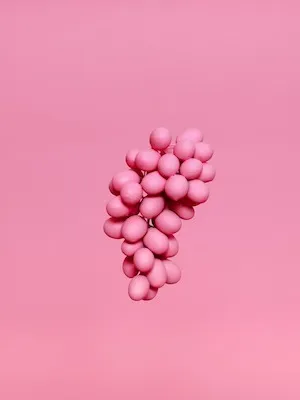
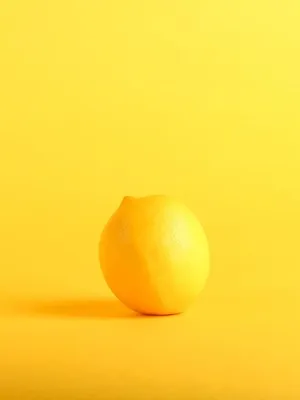
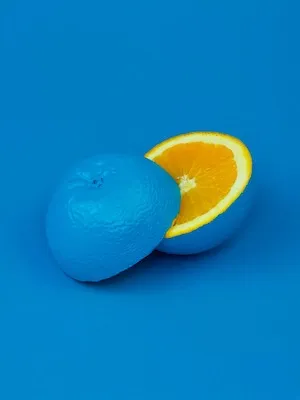
import { HoverGallery } from 'asterui'

function App() {
  const images = [
    'https://img.daisyui.com/images/stock/photo-1559703248-dcaaec9fab78.webp',
    'https://img.daisyui.com/images/stock/photo-1565098772267-60af42b81ef2.webp',
    'https://img.daisyui.com/images/stock/photo-1572635148818-ef6fd45eb394.webp',
    'https://img.daisyui.com/images/stock/photo-1494253109108-2e30c049369b.webp',
  ]

  return (
      <HoverGallery
        images={images}
        className="max-w-60 rounded-lg"
      />
    )
}

export default App
产品卡
完美适用于电子商务产品展示。
Product Name
Hover over the image to see more angles
$49.99
import { HoverGallery, Card } from 'asterui'

function App() {
  const images = [
    'https://img.daisyui.com/images/stock/photo-1559703248-dcaaec9fab78.webp',
    'https://img.daisyui.com/images/stock/photo-1565098772267-60af42b81ef2.webp',
    'https://img.daisyui.com/images/stock/photo-1572635148818-ef6fd45eb394.webp',
    'https://img.daisyui.com/images/stock/photo-1494253109108-2e30c049369b.webp',
  ]

  return (
      <Card
        className="max-w-60 shadow-xl"
        title="Product Name"
        cover={<HoverGallery images={images} />}
      >
        <p>Hover over the image to see more angles</p>
        <p className="text-lg font-bold">$49.99</p>
      </Card>
    )
}

export default App
两张图片
简单的前后或正反面对比。
import { HoverGallery } from 'asterui'

function App() {
  return (
      <HoverGallery
        images={[
          'https://img.daisyui.com/images/stock/photo-1559703248-dcaaec9fab78.webp',
          'https://img.daisyui.com/images/stock/photo-1565098772267-60af42b81ef2.webp',
        ]}
        alts={['Front view', 'Side view']}
        className="max-w-60 rounded-lg"
      />
    )
}

export default AppHoverGallery
Section titled “HoverGallery”| 属性 | 描述 | 类型 | 默认值 |
|---|---|---|---|
images | 图片 URL 数组(2-10 张图片) | string[] | - |
alts | 每张图片的替代文本 | string[] | - |
className | 额外的 CSS 类名 | string | - |
- 支持最多 10 张图片
- 默认显示第一张图片
- 纯 CSS - 悬停效果不需要 JavaScript
- 最好使用相同宽高比的图片